Let's talk about the exact moment your documentation attempts turn into a denial-of-service attack on your own machine.

You are reverse-engineering a massive, legacy OAuth flow or a sprawling microservice architecture. You do the right thing: you write it out in plain text. You end up with a couple of thousand lines of declarative syntax.
Then, you paste it into your favorite markdown editor to visualize it.
If you are using Mermaid.js, your laptop fans immediately spin up. The browser tab locks. You wait. Eventually, GitLab or your editor throws the inevitable error: maximum text size diagram exceeded mermaid.
If you attempt to bypass the safety limits and force it to render anyway, you usually end up with a visual disaster. Because of how the layout algorithm struggles with complex routing in the browser, you are left staring at mermaid sequence diagram overlapping lines that make the architecture look like a plate of spaghetti.
So, you pivot. You think, "I'll use PlantUML. It's older, it's reliable."
You paste your giant text block into a web-based PlantUML viewer. Hit enter. Wait.
Error: PlantUML HTTP 400 Request header is too large.
You hit the hard limits of the Tomcat server trying to pass a massive URL-encoded payload. Even if you run it locally to bypass the server limits, you quickly discover that PlantUML is slow to render a large diagram. Firing up a hefty Java Virtual Machine (JVM) and Graphviz just to draw rectangles and arrows introduces a startup tax that destroys your flow state.
The Problem with Single-Threaded DOMs and Heavy JVMs
The root cause of Mermaid js performance issues with large graphs isn't that the developers wrote bad code; it's an architectural limitation.
Mermaid relies on JavaScript to calculate directed graph layouts (often using Dagre) directly in the browser. It has to measure text, calculate bounding boxes, and route paths on the single-threaded DOM. When your diagram scales from 50 nodes to 500, the O(N²) math brings the browser to its knees.
PlantUML has the opposite problem. It’s a backend heavyweight. It's robust, but paying the JVM startup cost every time you type a new line of syntax makes real-time previewing impossible for large files.
If you have a diagram too large to render, you are usually told to "just break it up into smaller diagrams." But architecture doesn't always work that way. Sometimes you actually need to see the whole lifecycle from end to end.
The Solution: A 18-Year-Old C++ Engine for the Modern Web
At WebSequenceDiagrams, we've spent over a decade obsessed with one very specific problem: parsing text into sequence diagrams as fast as computationally possible.
We didn't build our layout engine in JavaScript, and we don't rely on Java. We use a ruthlessly optimized, proprietary C++ layout heuristic. It doesn't rely on the browser DOM to calculate spacing, meaning it parses massive text files in milliseconds, not seconds.
We realized that developers love the syntax of Mermaid and PlantUML, but hate the rendering bottlenecks.
So, starting today, we have added full support for both Mermaid and PlantUML syntax directly inside WebSequenceDiagrams.
You don't need to rewrite your documentation. You just paste your existing, broken, massive Mermaid or PlantUML text into our editor.
Position | Mermaid.js (Browser) | PlantUML (Java) | WSD Engine (C++)
Parse | ~4,000ms (Hangs) | ~2,500ms | 14ms Layout | Overlapping lines | Clean | Clean Limits | 5000 chars | Header Limits | Unlimited
Because our engine calculates the bounding boxes and line routing natively, it completely eliminates the overlapping lines issue. It just works, instantly.
Reading Large Diagrams (Without Losing Your Mind)
Fixing the rendering speed was only half the battle. If you successfully render a 10,000-line sequence diagram, you still have to read it.
In a standard image viewer or markdown preview, as soon as you scroll down past step 40, the participant boxes at the top of the screen disappear. You end up looking at an arrow pointing from one anonymous vertical lifeline to another, forcing you to constantly scroll back up to remember if line C is the AuthServer or the PaymentGateway.
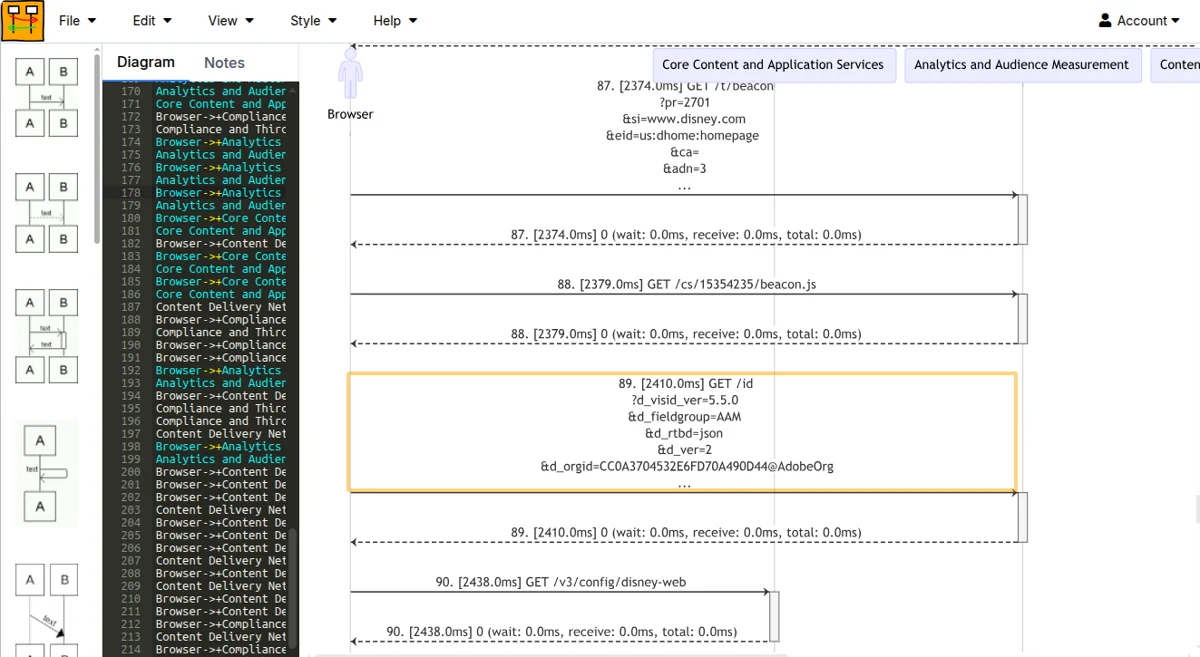
To solve this, we built context-aware panning and scrolling.
When you view a massive diagram in WebSequenceDiagrams, the names of the participants stick to the top of your viewport. You can pan infinitely in any direction, and you will never lose sight of the names of the participants. The context travels with you.
Try It Out
You don't need to install anything or configure server memory limits. If you have a Mermaid or PlantUML file sitting on your hard drive that is too big to open, bring it over.
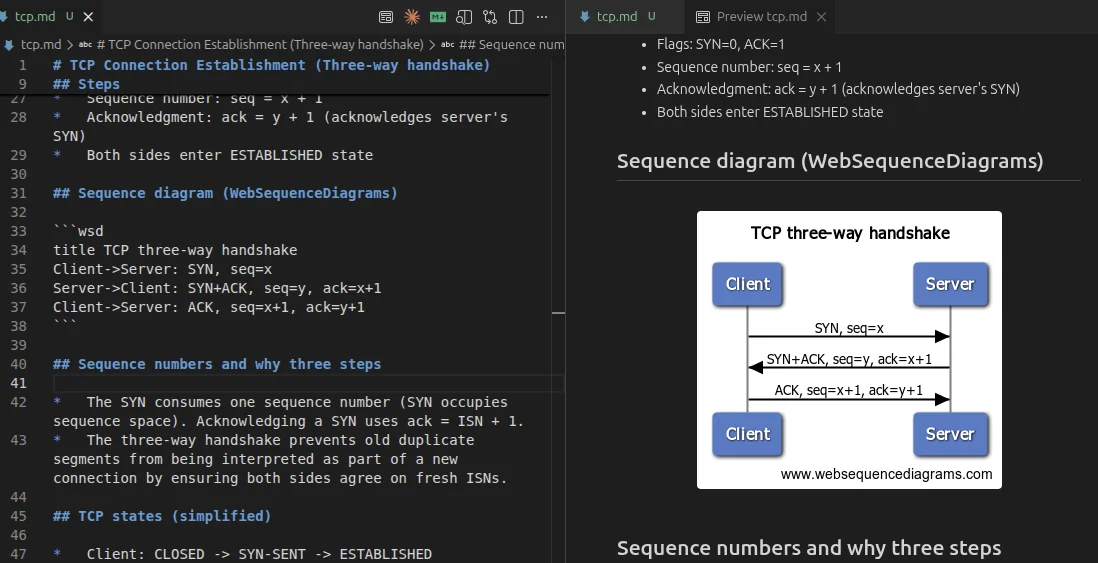
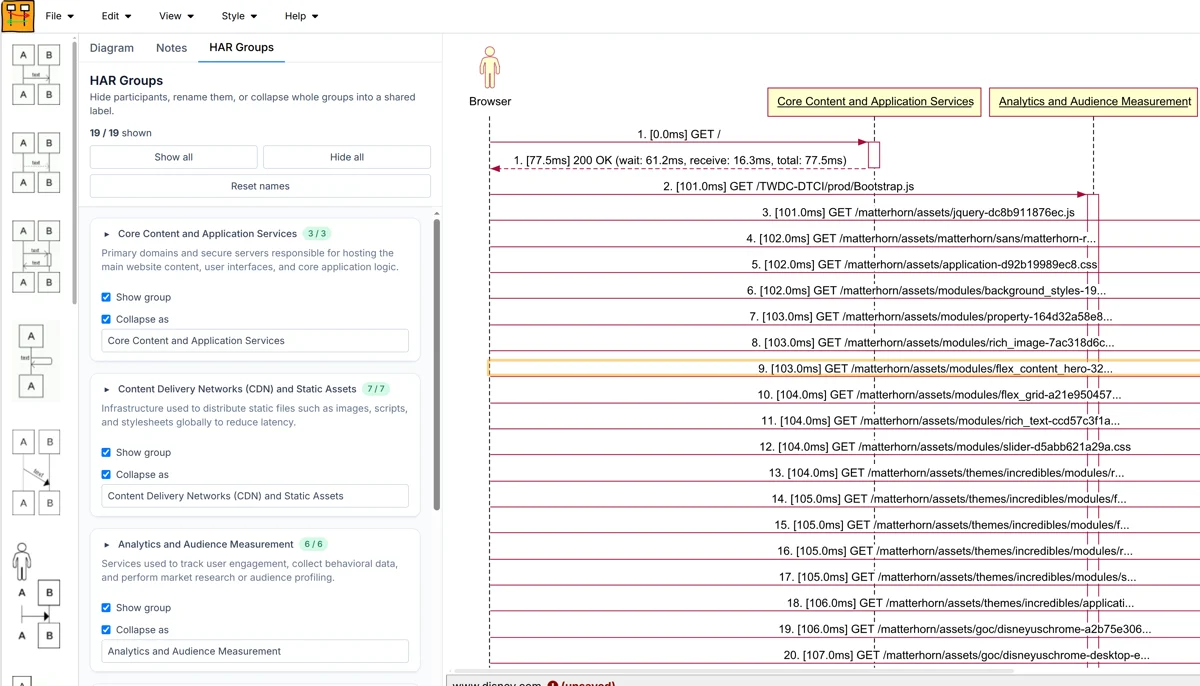
Paste it into WebSequenceDiagrams.com. Watch it render in milliseconds.
Comments